You can filter patients for whom a specific variable is missing.
Go to the header in the Patient list, Statistics menu, or Monitoring menu.
Click Add filter.
Select the variable you want to check.
Choose Is unknown.
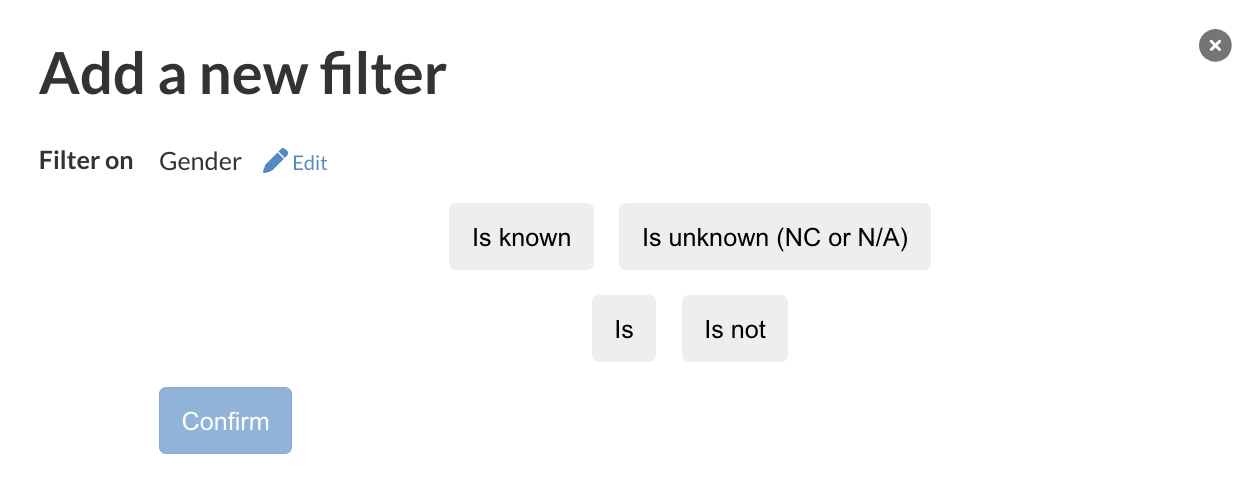 Click Confirm.
Note : this will apply to missing data due to unfilled data (NC) or not available data (N/A).
Was this article helpful?
That’s Great!
Thank you for your feedback
Sorry! We couldn't be helpful
Thank you for your feedback
Feedback sent
We appreciate your effort and will try to fix the article