You can filter patients based on their monitoring status: Signed, Verified, or Locked.
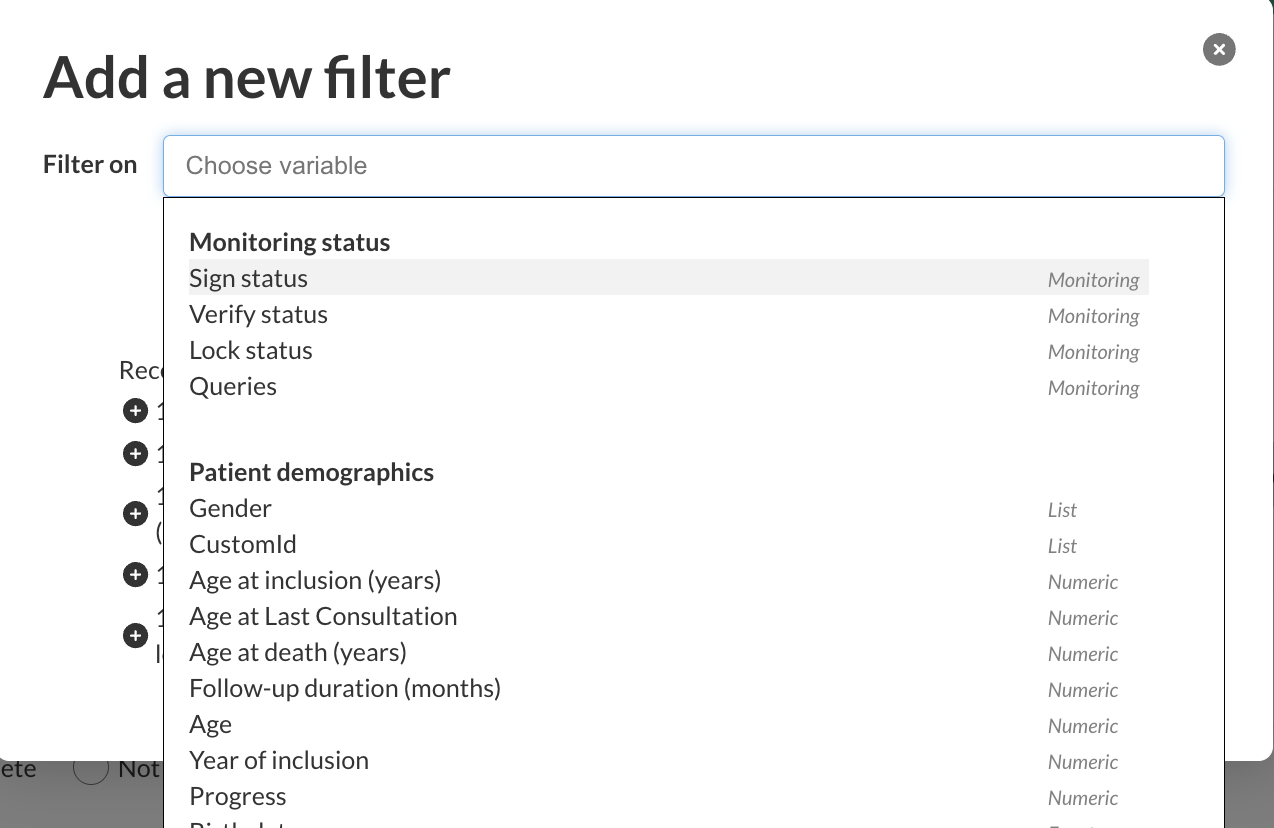
1. Select the status to filter
In the patient list, click “Add a filter”, then choose:
Sign status
Verify status
Lock status
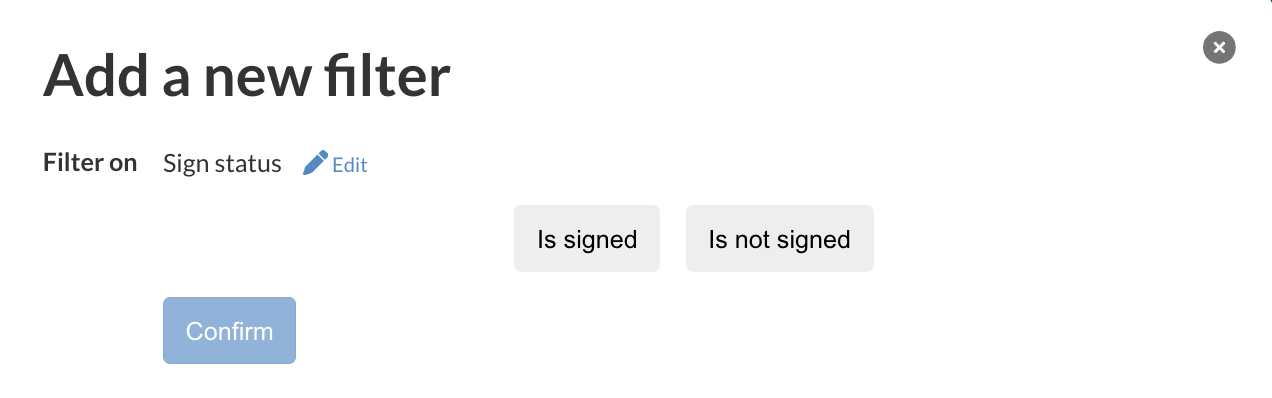
2. Choose the condition
Then select whether the data:
Is signed / Is not signed
Is verified / Is not verified
Is locked / Is not locked
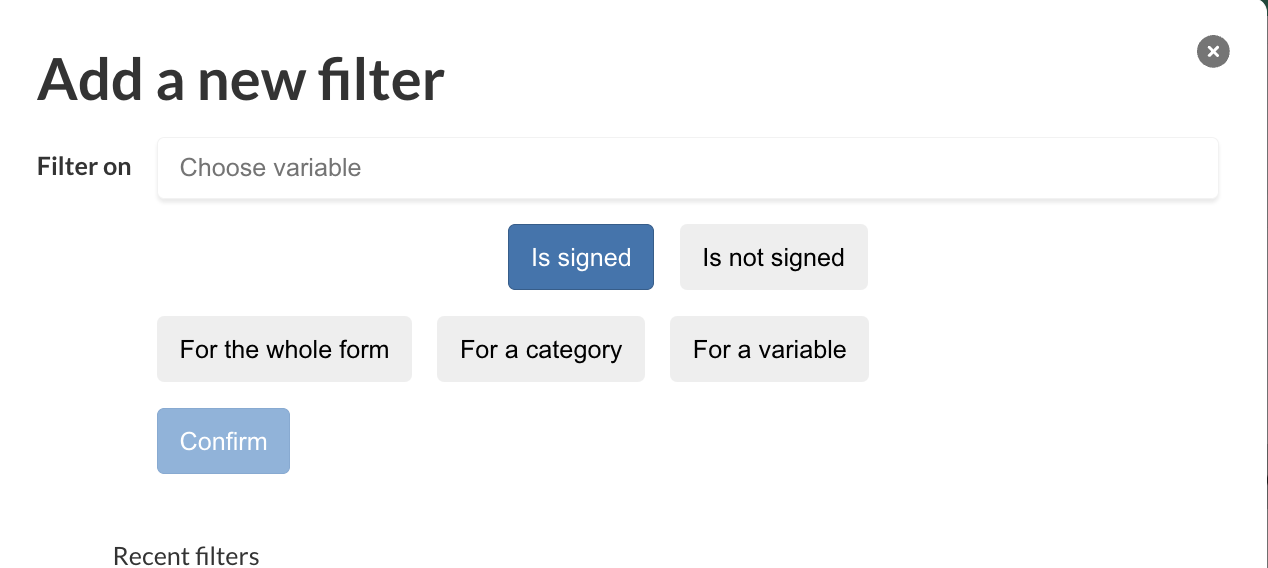
3. Choose the scope
For the whole form (patient level)
For a category (if SVL is enable for categories)
For a variable (if SVL is enable for variables)→ in this case, you will need to select the variable from the list
Was this article helpful?
That’s Great!
Thank you for your feedback
Sorry! We couldn't be helpful
Thank you for your feedback
Feedback sent
We appreciate your effort and will try to fix the article